Custom App Development
Automation Dashboards See & Control Everything
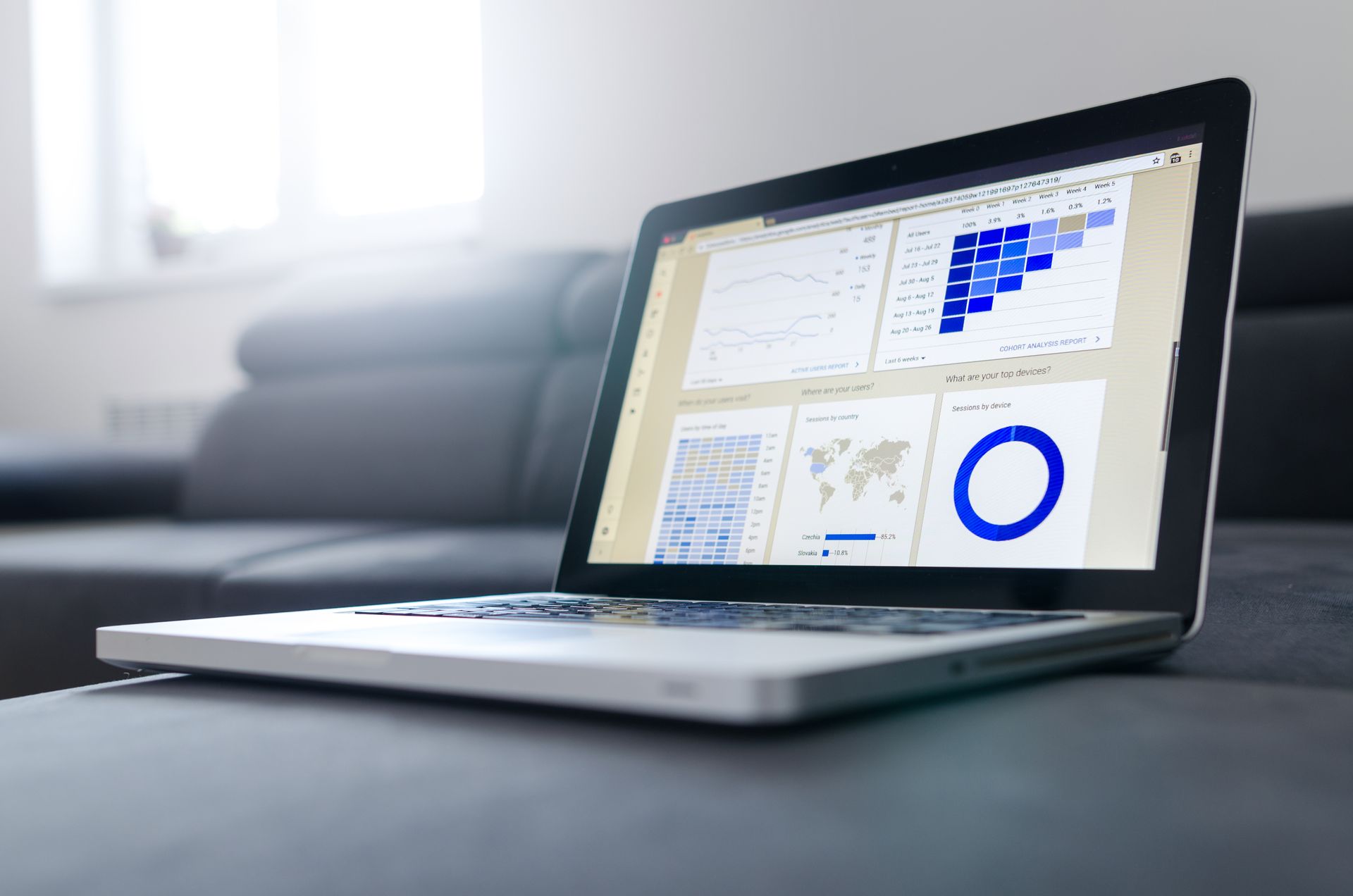
Build a central command center for your business. Monitor KPIs, track automated workflows, manage integrations, and get alerts when something needs attention — all in one real-time dashboard.
Schedule a Free ConsultationThe Problem
Your Data Is Scattered Across Too Many Tools
Spreadsheets, email reports, and half a dozen SaaS dashboards make it impossible to see the full picture. An automation dashboard pulls everything together — live data, workflow status, and alerts — in one place your team actually checks.
Business Use Cases
Who This App Type Serves
Operations Managers
Monitor daily output, staff performance, equipment status, and exception alerts across multiple locations or departments.
Marketing Teams
Track campaign performance, lead flow, conversion rates, and ROI across channels without exporting CSVs from five platforms.
Support & Service Leaders
See ticket volume, resolution times, customer satisfaction scores, and team workload in real time with trend analysis.
Features & Functionality
What You Can Build
Real-Time Data Visualization
Live charts, gauges, counters, and trend lines that update automatically from your connected data sources.
Multi-Source Integration
Connect to APIs, databases, spreadsheets, webhooks, and third-party tools to pull data into a unified view.
Smart Alerts & Thresholds
Set rules that trigger notifications when metrics go outside acceptable ranges — by email, SMS, or in-app alert.
Workflow Status Tracking
See which automated workflows are running, completed, or failed — with drill-down details and retry controls.
Custom Filters & Views
Create filtered views by date, location, team, or campaign — and save them for quick access by role.
Scheduled Reports & Exports
Auto-generate and email PDF or CSV reports on a schedule your stakeholders expect — daily, weekly, or monthly.
Example Workflow
How It Works in Practice
Data Streams In
Connected APIs and databases push live data into the dashboard every few minutes — no manual imports or refresh buttons needed.
Metrics Calculate Automatically
Custom formulas transform raw data into meaningful KPIs — conversion rates, cost per lead, utilization percentages, and more.
Alerts Trigger When Needed
The system watches for thresholds you define and sends alerts the moment something requires human attention.
Team Reviews & Acts
Managers open the dashboard, see what matters now, and make decisions based on current data instead of yesterday's spreadsheet.
Common Questions
Automation Dashboards FAQ
What data sources can the dashboard connect to?
We connect to most modern APIs, databases, spreadsheets, and webhooks. If your tool exports data or has an API, we can integrate it. We review your sources during discovery and confirm what is feasible.
How often does the data update?
Real-time or near real-time depending on the source. Some APIs update every minute, others every hour. We configure refresh rates based on what makes sense for each metric.
Can different users see different dashboards?
Yes. Role-based access means executives see high-level KPIs, managers see team metrics, and staff see task-specific data — all from the same platform.
Is this just for viewing data or can we take action too?
Both. Beyond viewing, we can build controls to start workflows, send messages, update records, or trigger events directly from the dashboard.
How long does it take to build an automation dashboard?
A focused dashboard connecting 3–5 data sources typically takes 6–10 weeks. Complex dashboards with many integrations, custom calculations, or multi-user roles take longer.
Related Services
Pair your custom app with these solutions for a complete digital strategy.
Ready to Build Your Automation Dashboards?
Schedule a free consultation to discuss your project. We will give you an honest assessment of what is possible, what it costs, and how long it takes.
Schedule a Free Consultation